


Getting started with GATE98
Download the app, create your account and confirm your email.
Download the app
GATE98 is an Android app on Google Play. The download page has the current link. It also shows when the listing goes live.
Only you, the organiser, need the app. Your buyers buy tickets in the browser on their phone or computer.
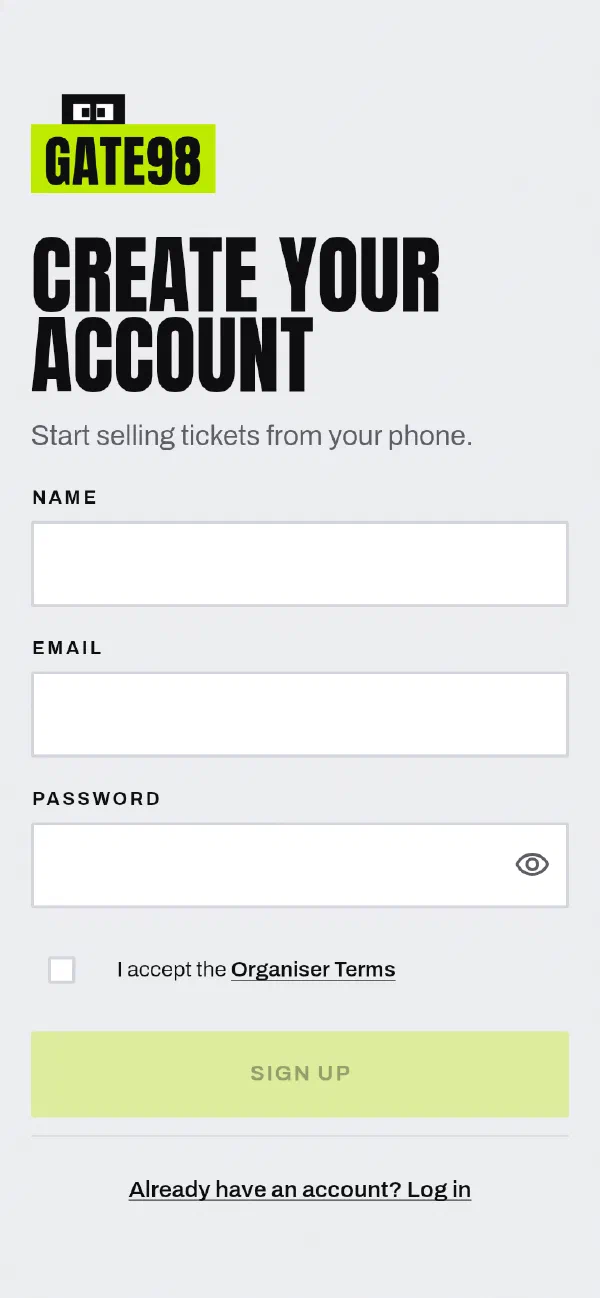
Create your account
- Open the app and choose Sign up.
- Enter your name.
- Enter your email address.
- Enter a password of 8 characters or more.
- Read the Organiser Terms, then select I accept the Organiser Terms.
- Tap Sign Up.
Verify your email
After you sign up, we email you a six-digit code. Enter the code in the app to show that the address is yours.
- The code stops working after 15 minutes.
- Only the latest code works. If you ask for a new code, use the new one.
- Each code allows only a small number of wrong attempts. Type the code carefully.
- If the code has expired or has not arrived, check your spam folder. Then ask the app to send a new code.
You need a verified email to sellYou cannot publish an event or set up payments until you verify your email.
If you forget your password
On the log-in screen, choose Forgot password?.
- Enter your email address. If an account uses this address, we send it a six-digit code. For privacy, the app shows the same message in both cases.
- Enter the code.
- Enter a new password. The app logs you in when it saves the password.
What next
Something not right, or missing?
Tell us at support@gate98.co and we will fix it.